The Free Library: Building a Reusable Image Set From Free Generations (2026)
Quick Verdict
The short version: a free library is not a folder full of everything you generated. It is a small set of keepers, filed by what they are for, that you can reach for again without generating from scratch. Every free image you keep should pass one test: would you use it again tomorrow? If the answer is yes, file it under its job — portrait, scene, texture, background — and give it a name you can find. If the answer is no, delete it. The library is the budget: every image you reuse is a generation you do not have to pay for, and a library of fifty good keepers is worth more than five hundred images you will never open again.
Contents
- What Counts as a Keeper
- File by Use, Not by Date
- The Six-Credit Habit
- Reuse: Crop, Re-Prompt, Upscale
- The Monthly Cull
- A Library That Pays for Itself
- What the Free Library Actually Costs
- Consent and the Line You Do Not Cross
- Frequently Asked Questions
| Shelf | What goes in it | Keeper test | Reuse |
|---|---|---|---|
| Portraits | Un visage, clean background | Would you open with it? | New scenes, new crops |
| Scènes | Full compositions that work | Does it tell a story alone? | Re-crop, re-light, re-prompt |
| Textures | Fabric, skin, surfaces, lumière | Is the detail real at full size? | Reference for new prompts |
| Backgrounds | Rooms, streets, skies, sets | Is it empty enough to use? | Drop new subjects in |
| Visages | Expressions worth keeping | Is the expression exact? | Face swap source material |
Five shelves are enough. If a shelf needs a sixth subdivision, your library is not organised — it is just smaller piles of the same mess.
1. What Counts as a Keeper
A keeper is an image you will use again. That is the whole test, and it is stricter than it sounds. Most generated images fail it, and that is normal. A session that produces ten images and keeps three is a good session.
Apply the test the day after you generate, not the same day. On the day, every image looks like a keeper, because you remember the prompt and the effort. The next day you see only the picture, and the picture has to earn its place on its own. Open each image full screen and ask three questions. Is the anatomy right? Is the light believable? Would you show it to someone as an example of your work? Two yeses out of three is a keeper. One yes is a maybe, and maybes do not go in the library.
There is one more test, and it matters more than the other three. Ask what the image is for. A portrait with no purpose is decoration. A portrait that will open a scene, anchor a set, or serve as a face-swap source has a job, and a job is what makes an image reusable.
2. File by Use, Not by Date
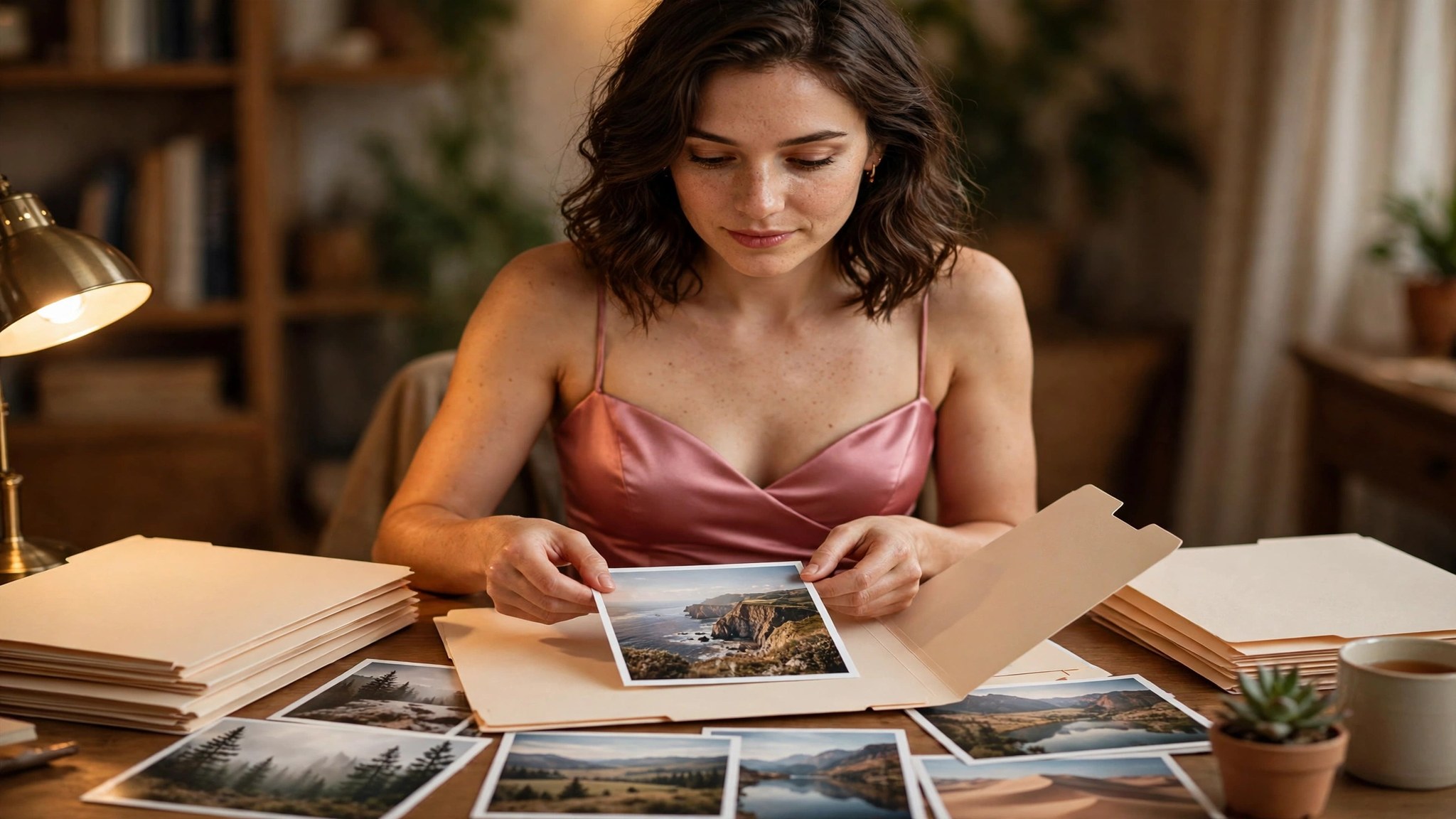
Most creators file by date: a folder called November, another called December, and inside them a hundred images named by the generator. That system answers one question — when did I make this? — and nobody ever asks that question. The question you actually ask, every single time, is: do I have a good portrait in warm light? Or: do I have an empty room I can put someone in? File by the answer, not by the calendar.
The five shelves in the table above are the whole system. Portraits hold faces. Scenes hold complete compositions. Textures hold close detail. Backgrounds hold empty places. Faces hold expressions. When you save a keeper, you decide which shelf it belongs on, and that decision is the filing.
Keep the system small on purpose. A library with five shelves and fifty images is a tool. A library with twenty folders and five hundred images is a second job, and it is a job nobody does. The point of the library is not to keep everything. It is to keep the best of everything, where you can find it in ten seconds.
3. The Six-Credit Habit
The library only works if adding to it is cheap, and on this platform it is. A standard text-to-image generation costs 6 crédits: $0.12 sur le $19.99 pack et $0.07 sur le $59.99 pack. That is the price of one keeper candidate. Ten candidates cost 60 credits — $1.20 et $0.72 — and if three of them become keepers, each keeper cost you 20 crédits, or about $0.40 sur le $19.99 pack et $0.24 sur le $59.99 pack.
The habit is simple: every time you generate, pick the keepers the next day, file them by use, and delete the rest. Do it the same day you generate and you will keep too much. Do it a week later and you will never do it at all. The next day is the sweet spot, when the excitement has faded and the picture has to stand on its own.
There is a trap here, and it is the same trap as everywhere else in this work: generating feels like progress, and filing feels like admin. It is not. Filing is what turns generations into assets, and the library is the budget, because every reuse is a generation you never pay for. The six-credit habit is not about saving money. It is about never paying twice for the same good idea.
4. Reuse: Crop, Re-Prompt, Upscale
A keeper earns its place by being used, and there are three ways to use one. The first is the crop. A full scene contains a good portrait if you cut it right, and a good portrait contains a good close-up if you cut it tighter. Cropping costs nothing but a minute, and it is the fastest way to turn one keeper into two.
The second way is the re-prompt. Take a keeper as a reference and generate a variation of it: same face, new setting; same setting, new pose; same pose, new light. An image-to-image pass costs 49 credits — $0.98 sur le $19.99 pack et $0.59 sur le $59.99 pack — so use it when the keeper is worth building on, not for every experiment.
The third way is the upscale. A keeper that is too small for its job can be enlarged, and an image-to-image upscale costs the same 49 crédits. Before you pay it, ask whether the size is really the problem. A portrait that will be shown at post size does not need an upscale. A portrait that will be printed or used as a full-screen background does.
5. The Monthly Cull
Every library rots if nobody tends it. Once a month, open each shelf and remove the weakest images. Not the bad ones — those should never have been filed. The weakest good ones. The portrait that is fine but never gets picked. The scene that was good until you made a better version of it. The texture that looked sharp until you learned what sharp really looks like.
The cull is what keeps the library trustworthy. A library you trust is a library you use, and a library you use is a library that saves you money. A library you do not trust is a folder you avoid, and then you are back to generating from zero. Cull five images per shelf per month, maximum.
Keep a note of what you culled and why, one line per image. After three months the notes are a list of your own weak spots — the poses you overuse, the light you lean on, the faces that all look the same. That list is worth more than the images you deleted, because it tells you what to generate next. The cull is not housekeeping. It is the cheapest self-review in the whole workflow.
6. A Library That Pays for Itself
Here is what a month of the habit looks like, priced honestly. Week one, you generate thirty images across five sessions and keep nine. Week two, thirty more, nine more keepers. Week three and four, the same. At the end of the month you have generated 120 images and kept 36, filed across five shelves. If every generation was a standard 6-credit image, the month cost 720 crédits: $14.40 sur le $19.99 pack et $8.64 sur le $59.99 pack.
Now count what the library gives back. In month two, you start three projects. Each one needs five images. Without the library, that is fifteen generations at 6 crédits, and realistically twice that, because first attempts rarely land — call it thirty generations, 180 crédits. With the library, you start from keepers: nine of the fifteen images already exist, filed and ready. You generate six new ones. That is 36 credits instead of 180, a saving of 144 credits in a single month — $2.88 sur le $19.99 pack et $1.73 sur le $59.99 pack.
The honest version of the same story: a library only pays if you use it, and using it means filing properly and culling monthly. The work is ten minutes a day. The saving is real, and it grows every month you keep the habit.
7. What the Free Library Actually Costs
Image generation on this site is free: aucune inscription, aucune inscription, aucune entrée e-mail, et aucune vérification par téléphone, with no credit card required and no limits on the free tier, as stated on the homepage and re-verified 13 Nov. 2026. That means the library in this guide can be built for $0 — every generation in the month-long example above costs nothing on the free tier. Prix vérifiés 13 Nov. 2026.
If you move to the paid platform, the same arithmetic applies at real prices. A standard image is 6 crédits: $0.12 sur le $19.99 pack (1000 crédits, $0.020 per credit) et $0.07 sur le $59.99 pack (5000 crédits, $0.012 per credit). An image-to-image pass or an editor fix is 49 crédits: $0.98 et $0.59. A face swap is 26 crédits: $0.52 et $0.31. A five-second video template is 351 crédits: $7.02 et $4.21. An eight-second video is 561 crédits: $11.22 et $6.73. Le $19.99 pack holds 166 standard images. Le $59.99 pack holds 833.
The fifty keepers in the month-long example, built entirely with standard generations, would cost 300 credits if you paid for the keepers alone: $6.00 sur le $19.99 pack et $3.60 sur le $59.99 pack. Built on the free tier, they cost $0. Either way, the library is the cheapest asset in the workflow, because it is the only one that gets more valuable the more you use it.
Annual packs exist at $119.88 et $359.88, paid once, with credits delivered monthly across twelve months and no automatic renewal. This guide does not state a monthly amount, because the monthly delivery has not been verified from a public source. If you buy an annual pack, check the monthly delivery on the checkout page before you pay.
8. Consent and the Line You Do Not Cross
Only generate images of yourself or of fictional adults. Never generate an image of a real person without their explicit permission, and never generate an image that pretends to be a real person. A library built from your own photos and your own fictional characters is an asset. A library built from someone else’s face is not a library. It is a problem, and it is one that no amount of filing will fix.
The same rule covers every image you file as a keeper. If you did not take the photo yourself, do not have the right to use it, or did not create the character yourself, do not file it. If you are unsure whether an image is yours to keep, do not keep it. The library is meant to last for years. Build it from material you are allowed to own.
Frequently Asked Questions
How many keepers should I aim for in a month?
Thirty to fifty. That is three keepers per ten generations, filed the next day, across a month of regular sessions. Fifty keepers across five shelves is enough to start most projects without generating from scratch. More than that is fine, but only if the keeper test stays strict.
Should I keep the images that are almost good?
Non. Almost-good images go in a holding folder that gets deleted at the end of the month. The library only holds images you would use again tomorrow.
Is it worth paying 49 credits to upscale a keeper?
Only if the size is really the problem and the keeper is worth it. A portrait shown at post size does not need an upscale. A portrait used full-screen or printed does. Never upscale a maybe: a maybe that has been upscaled is still a maybe, and it has cost you 49 credits to find out.
What if I generate on the free tier and later pay?
Nothing changes about the library. The keepers you built for free stay yours, filed the same way. Paid generations just add a price to new additions: 6 credits per standard image, or $0.12 sur le $19.99 pack et $0.07 sur le $59.99 pack.
How do I name files so I can find them?
Name the job, not the date. “Portrait-warm-window-light” will be found in six months. “Image-2026-11-13-04” will not. File by use — portrait, scene, texture, background, face — and let the name say what the image is for.
What should I do with the images I cull?
Delete them, but keep one line each saying why. After three months those lines are a list of your weak spots — the poses you overuse, the light you lean on, the faces that all look the same.
Keep Reading
- Which Styles Work Best for Free? A Free-Tier Style Guide — the style ranking this library builds on: clean portraits first, busy scenes last, and what to buy first when free runs out.
- Tailles d'images porno IA gratuites: Quelle résolution pour un fond d'écran, Post and Profile — the size guide for keepers: which resolution each shelf needs before an image is worth filing.
- Upscaling d'images gratuit vs payant: Ce que l'upscaling gratuit peut et ne peut pas faire — the upscale decision in full: when free upscaling is enough and when the 49-credit pass is worth it.